Live view for every camera
Watch any number of cameras side by side, filter them by site or status, and spot an offline device at a glance.
Hub
Hub brings the cameras behind every Agent and Vault into one shared workspace. Operators watch live streams, search recordings across sites, keep devices and sites organised, and build workflows that run object tracking, number plate recognition, loitering detection, or scene descriptions on every new recording.
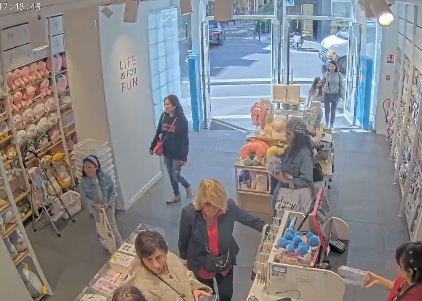 REC
REC
The agent is offline, please check your agent or factory.

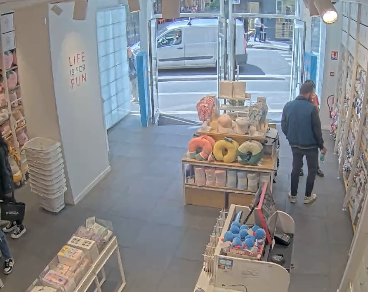 REC
REC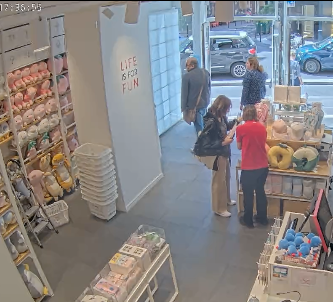
The Hub interface operators use every day: live view, recordings, devices, sites, and the workflow builder. Open a workflow to chain analysis blocks together.
Core capabilities
Each capability below maps to a current product surface or runtime flow. Use the source and documentation to go deeper or talk to us about your deployment.
Watch any number of cameras side by side, filter them by site or status, and spot an offline device at a glance.
Filter recordings by date, site, device, detected objects, markers, and tags, then star what matters for later.
Follow the status, uptime, and version of every Agent, and group cameras into sites on a map.
Chain object tracking, number plate recognition, loitering, scene descriptions, and forwarding into automated workflows.
Notify the right channel when a rule matches, and collect recordings into cases you can export as evidence.
Separate customers and teams into organisations and projects, and control every page with roles and permissions.
Workflows
Hub workflows run automatically on every new recording. Chain object tracking, number plate recognition, loitering detection, scene descriptions, and your own integrations, and get the results back where operators already work.
Timeline · Loading bay
The gate system receives the plate seconds after the truck arrives.
Chain blocks in the builder and decide when each step continues, without writing code.
Scope a workflow to devices, sites, groups, or a weekly schedule, and start only when a person or vehicle is detected.
Detections, markers, and descriptions land on the recording, so operators can filter and review them in Recordings.
Every block is a small queue worker. Plug in your own model or integration and follow every run from start to finish.
How it fits
Hub is useful on its own and becomes more capable when connected to the rest of the UUG.AI stack.
Read the documentationAgents report their status to Hub, and Vault hands over every new recording.
Watch live streams and search recordings across every site from one workspace.
Run workflows on new recordings and alert the right people when something matches.
Build with UUG.AI